


How to create a section using weDocs
This documentation shows how to create sections under the main documentation in weDocs.
- weDocs
- Updated Sep 29, 2023
- 1 min read

This documentation shows how to create sections under the main documentation in weDocs.
You can create many sections under the main documentation. In our previous guide, we showed how to create documentation using the WordPress documentation plugin, weDocs.
Here in this guide, we’re going to show how you can create sections under the main documentation. For your help, here’s a simple structure of the workflow!
Now let’s see how to create sections using the WordPress docs plugin – weDocs
To create a section, just hover your mouse cursor and you can see the two options. Now click on the Section button.
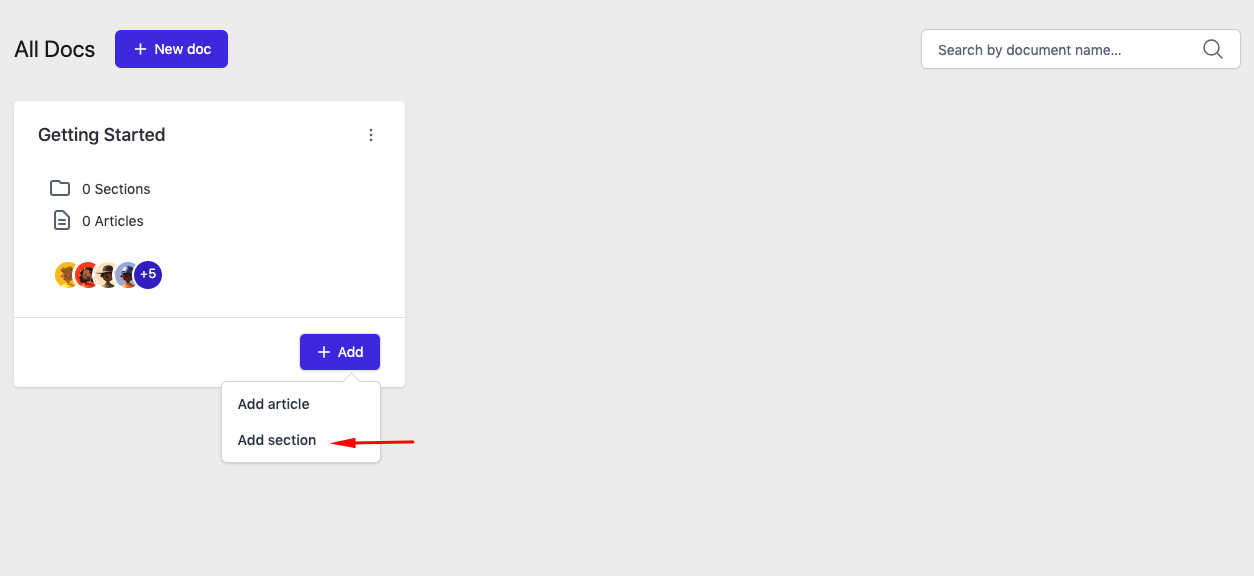
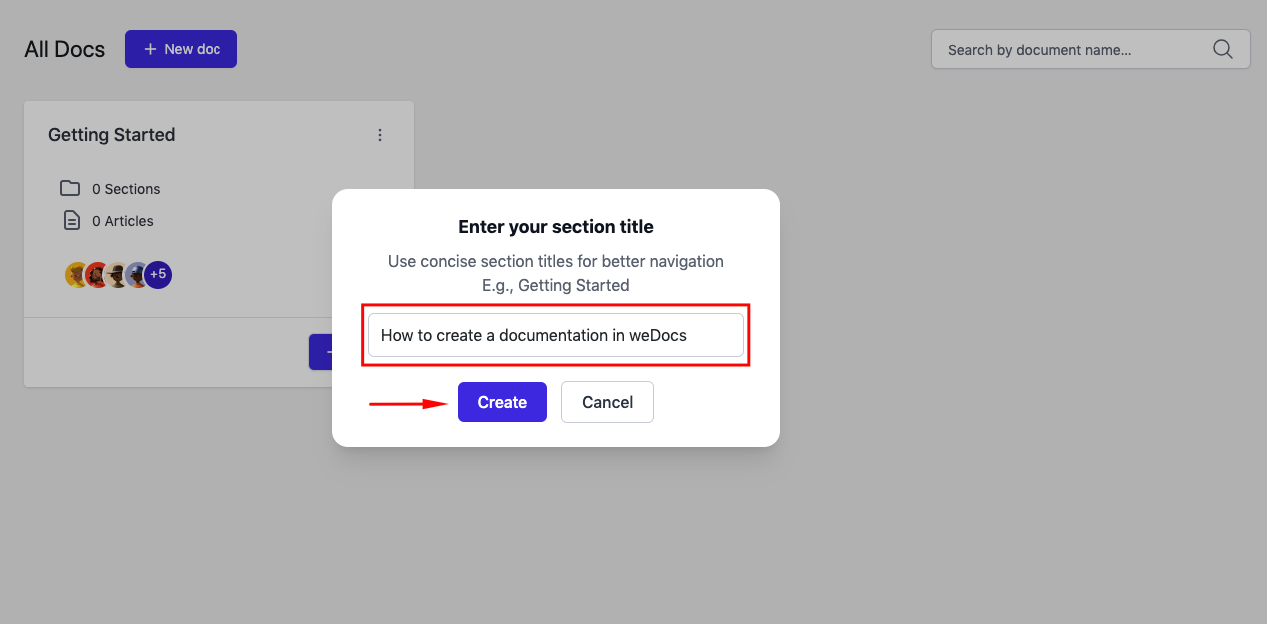
After clicking on the “Add section” button, you’ll get a popup window. Here provide your section title/name and then click on the “Create” button.
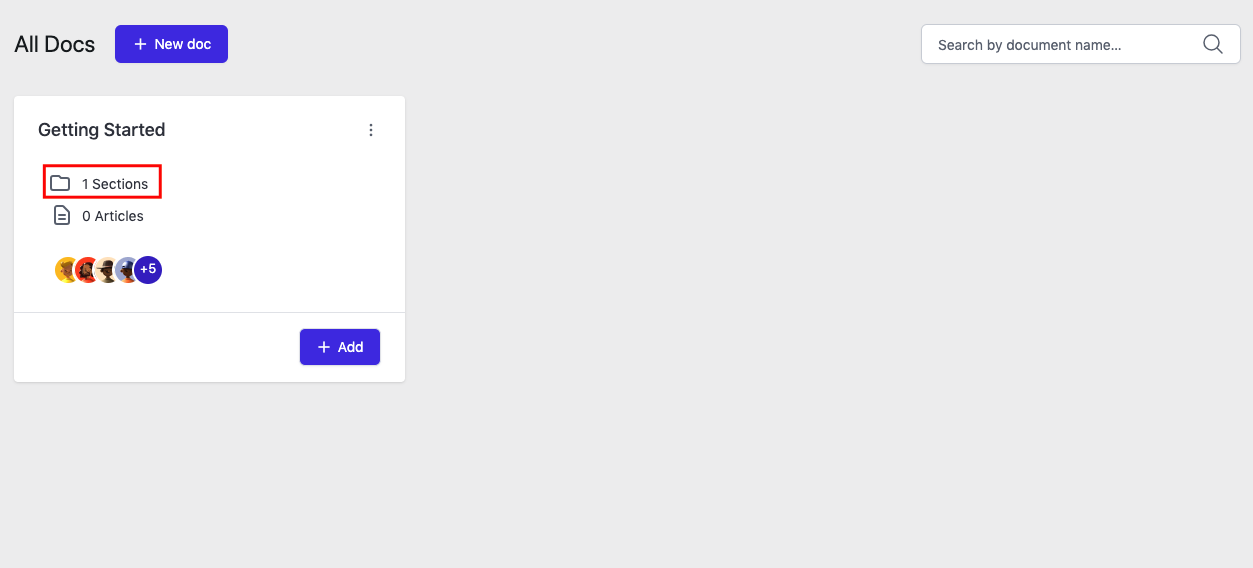
Your section is created. You can see the number is showing here. Now expand the main documentation.
Yes, you have done it. You can see the section is showing here!
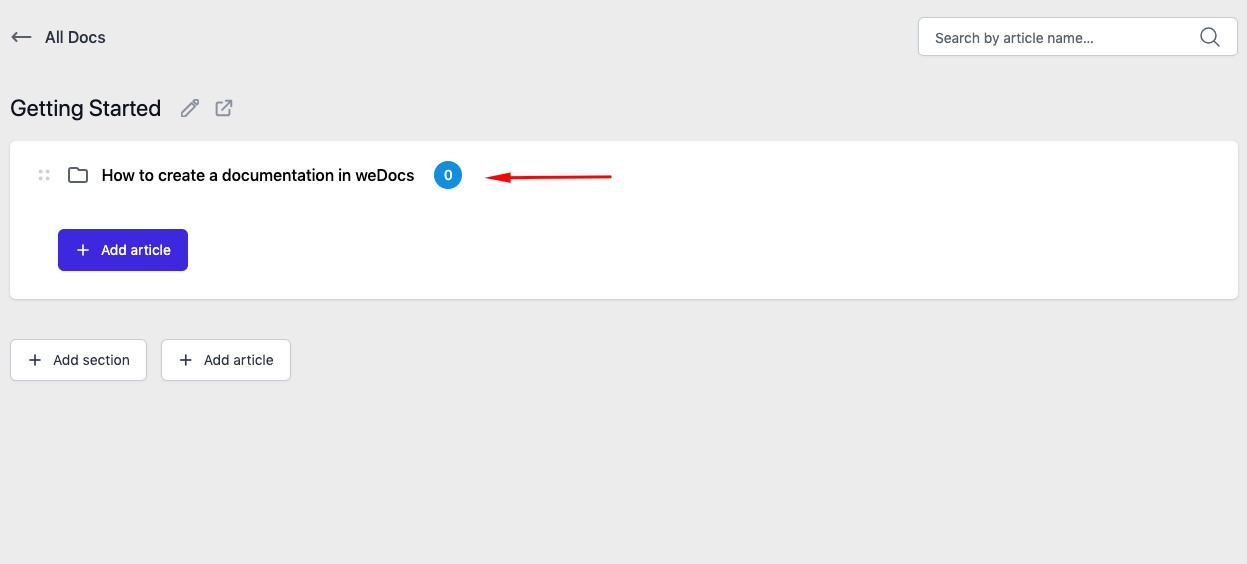
In this way, you can create as many sections as you want to manage your WordPress product documentation.
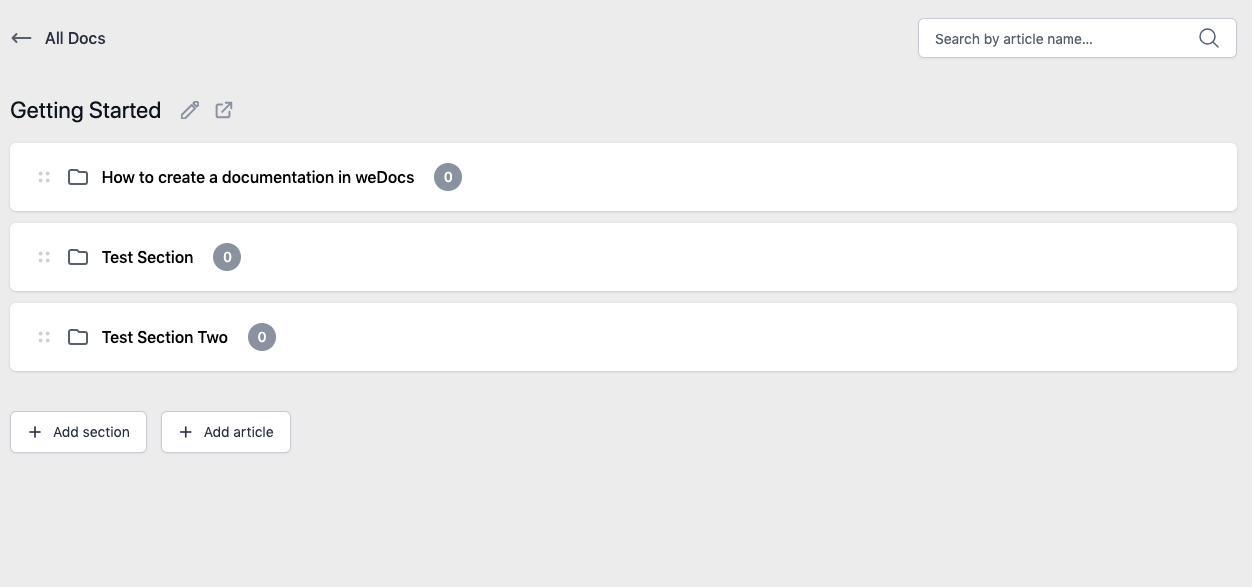
So this is how you can easily create a section.
Last updated on
Filed under Tutorials
Our support team can walk you through it.