Installing weDocs – the WordPress documentation plugin
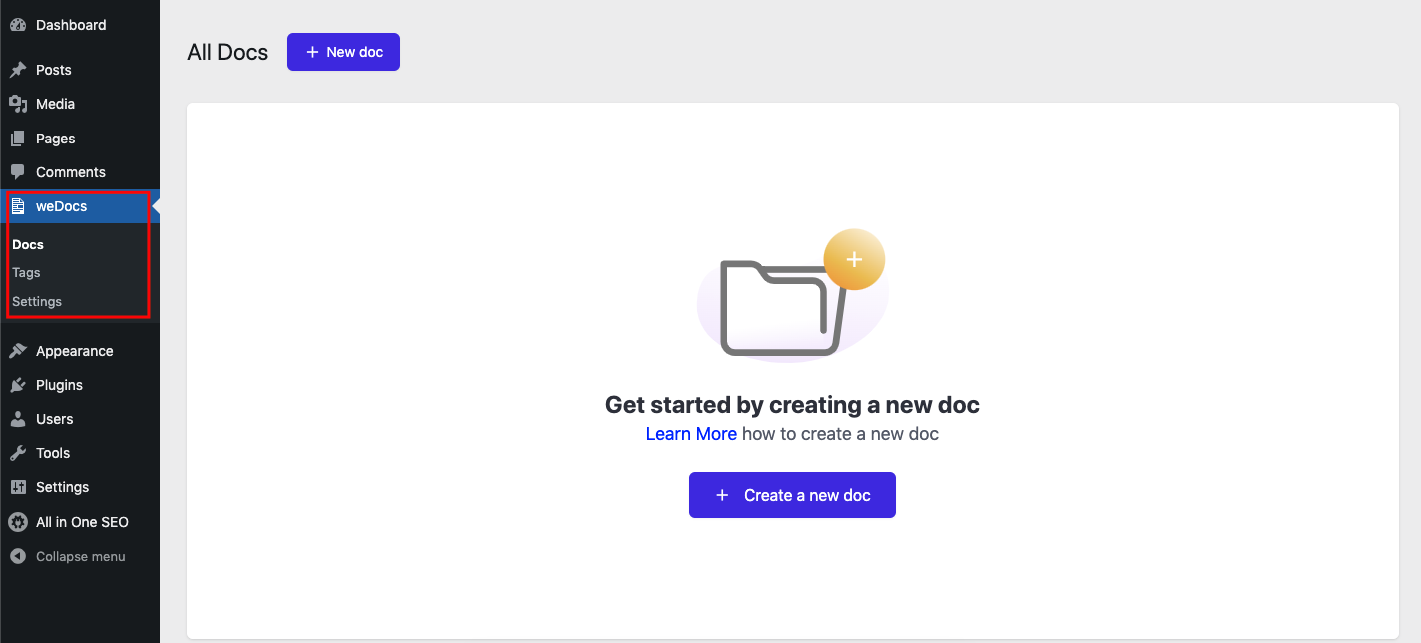
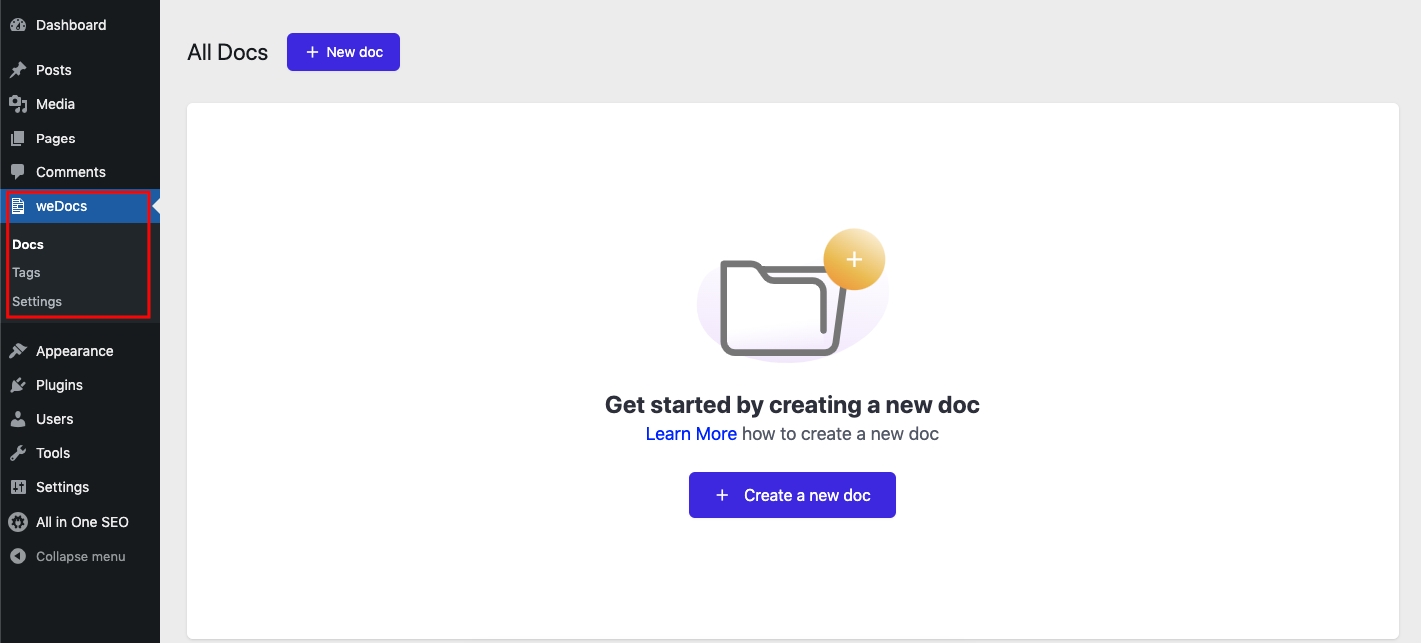
Here in this guide, we're going to show how to install and activate WordPress documentation plugin - weDocs on your site. Check out the step-by-step process!
Like any other plugin in the WordPress repository, you can install weDocs on your WordPress site. You can install this documentation plugin in two ways.
Install directly from the WordPress dashboard
Or download the plugin from the WordPress repository and install the plugin manually
Here in this documentation, we’re going to show all the ways you can install the plugin.
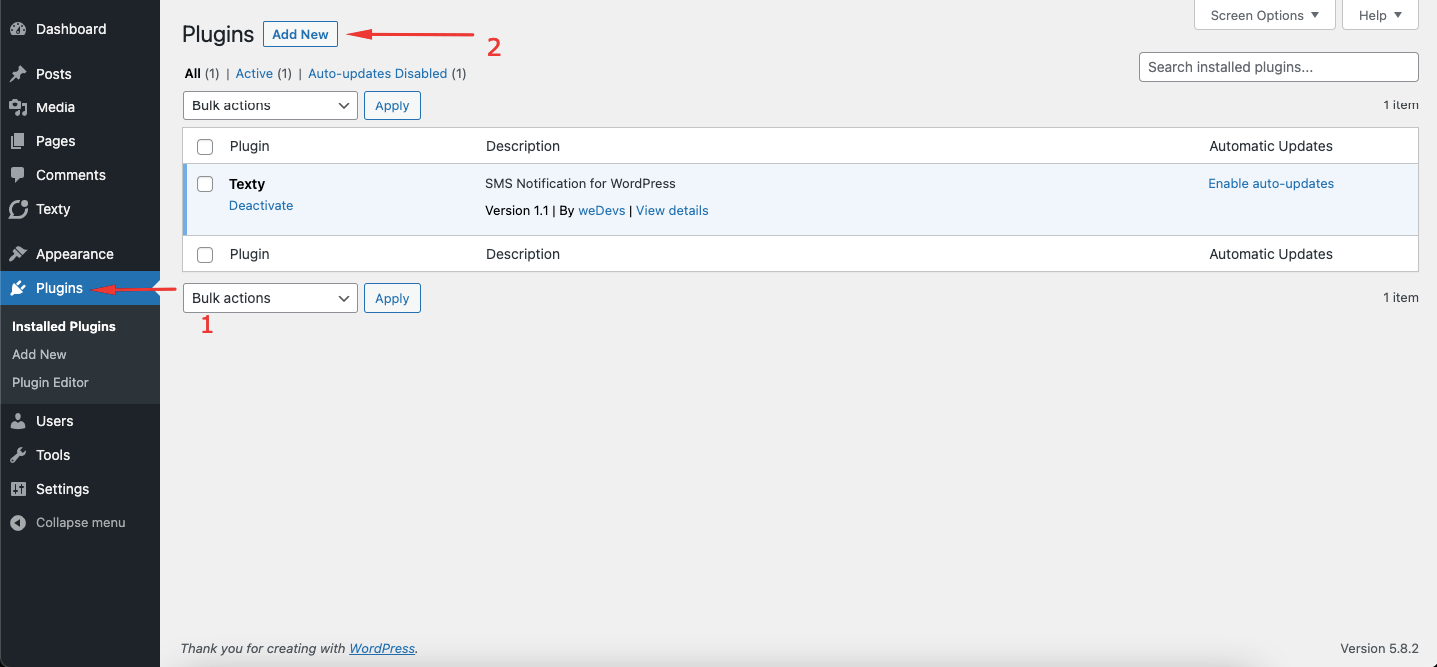
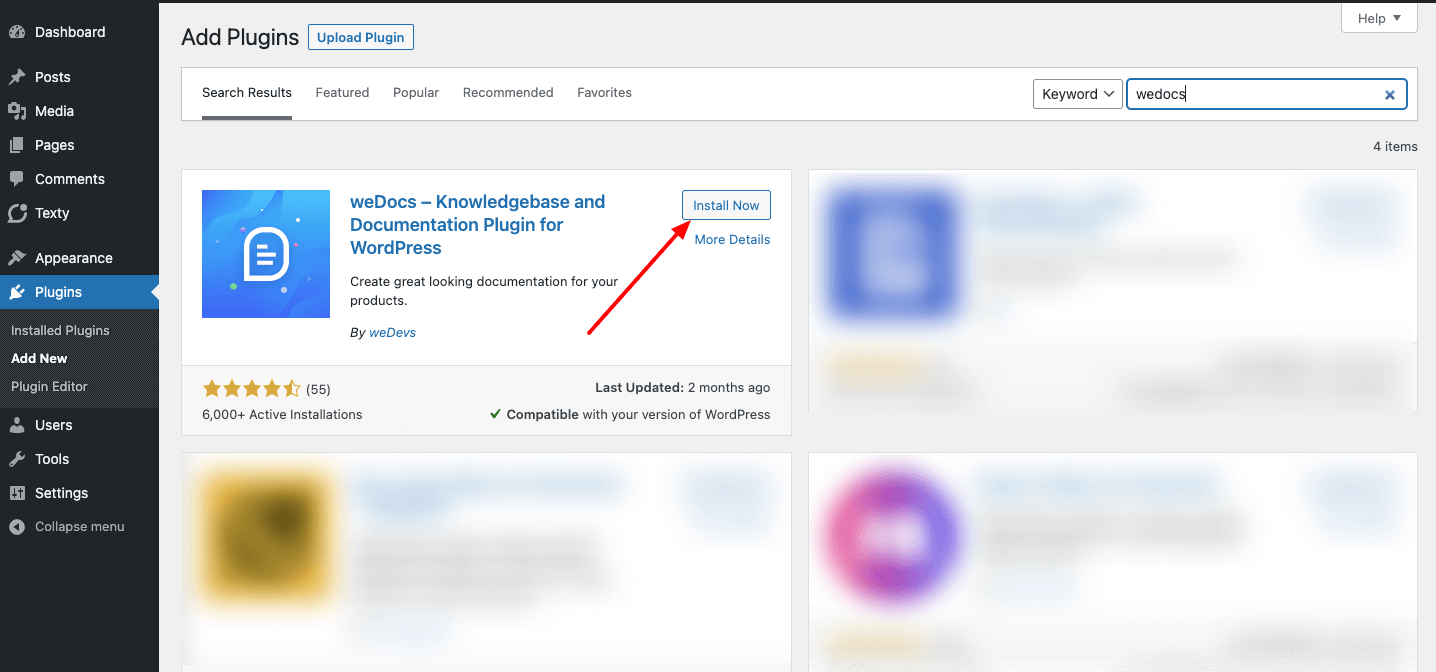
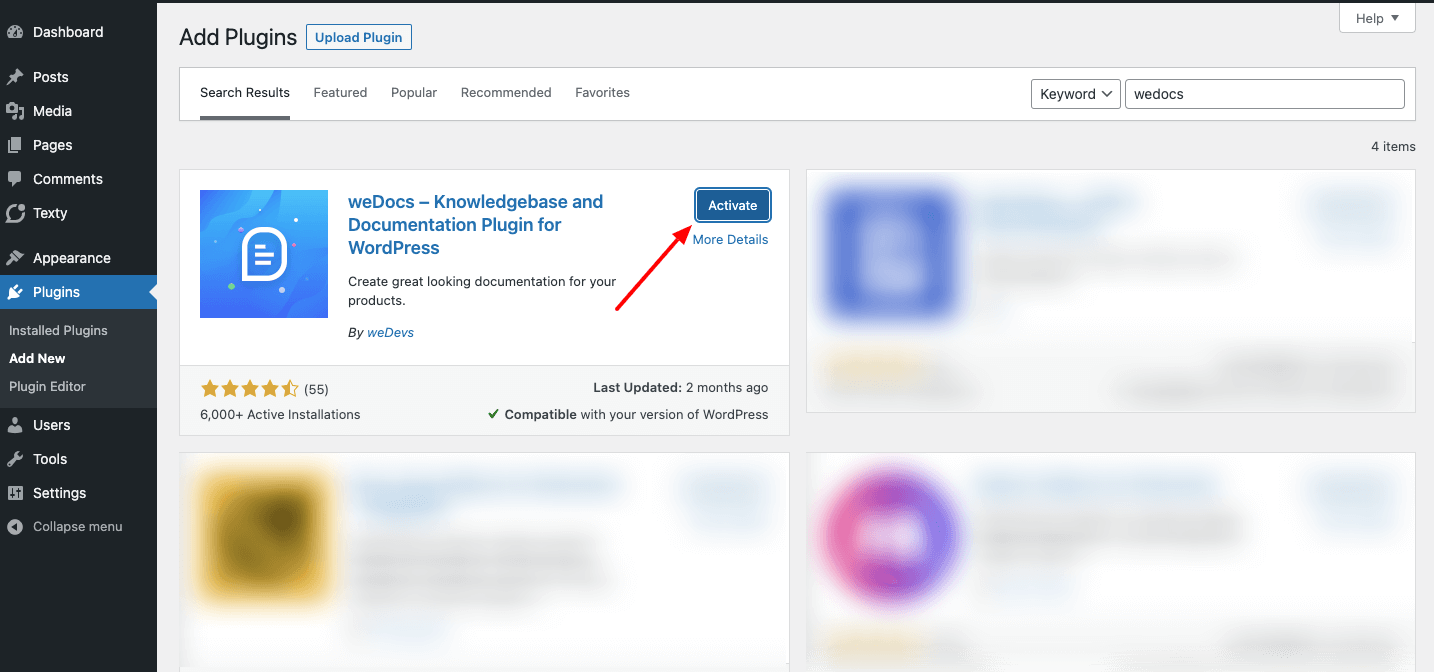
Method one: installing from the WordPress admin dashboard
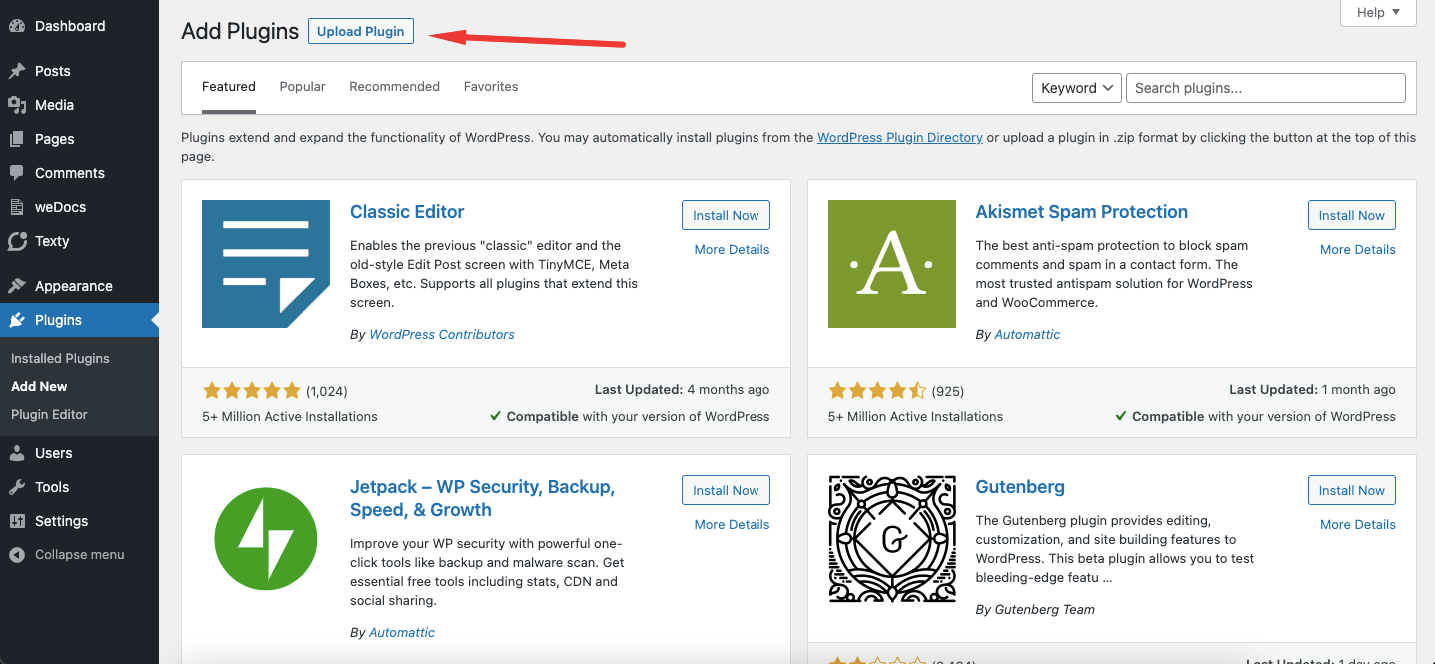
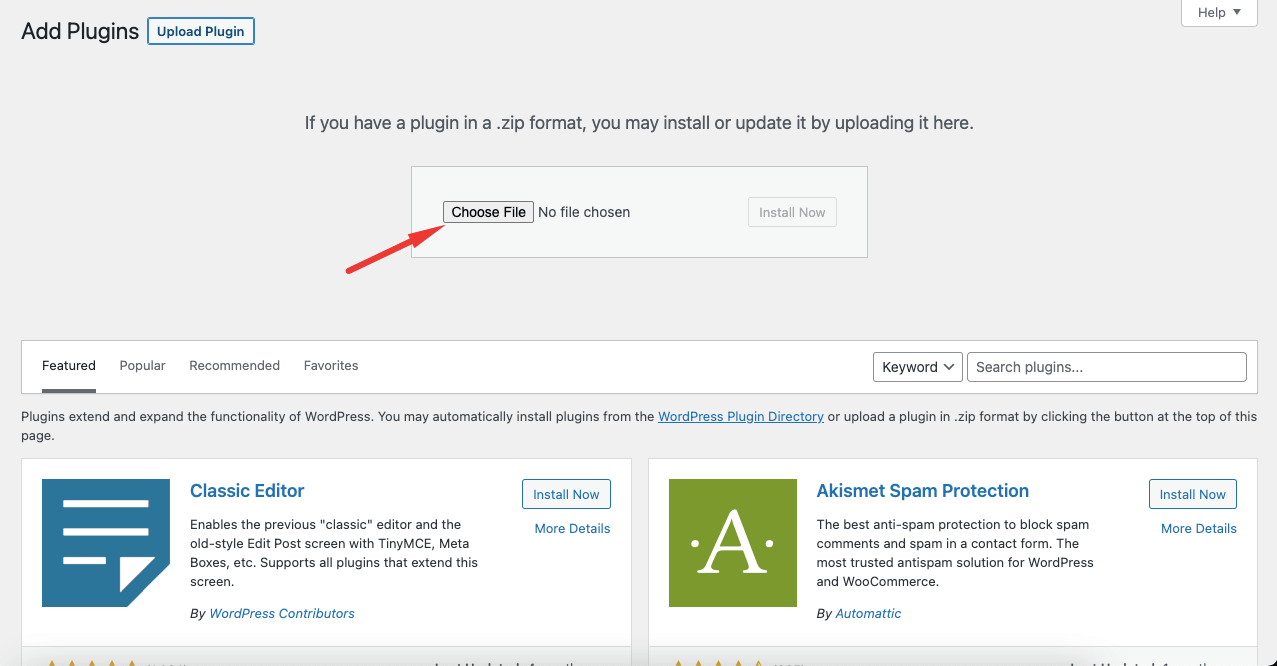
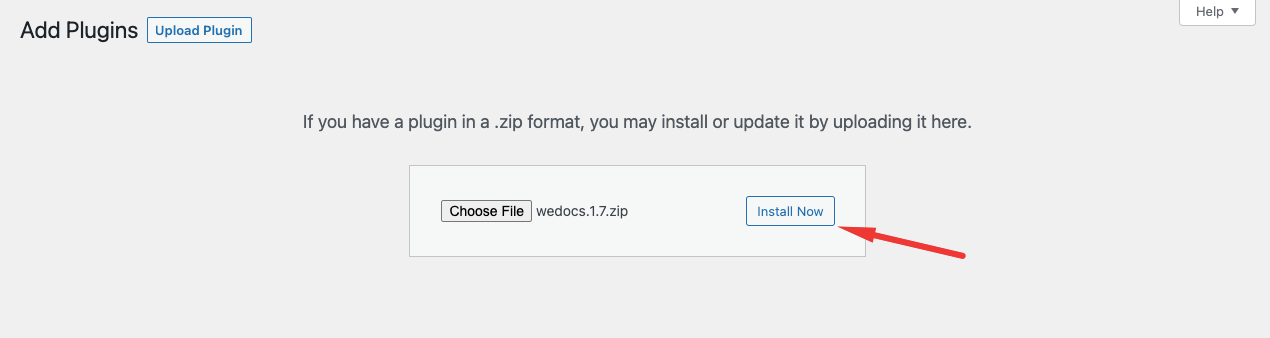
You can download the WordPress documentation plugin from the WordPress repository and upload the plugin manually. Without navigating to your WordPress dashboard, you can swiftly do that:
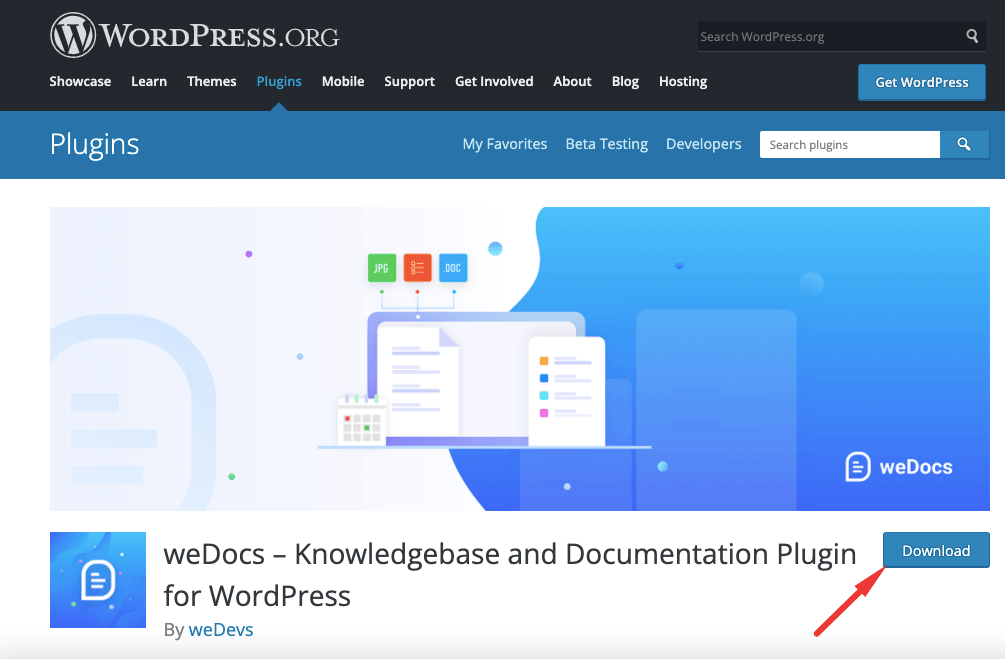
For that, visit Wordpress.org and type weDocs in the search box. Then download the plugin from there.
Download from WordPress Repository
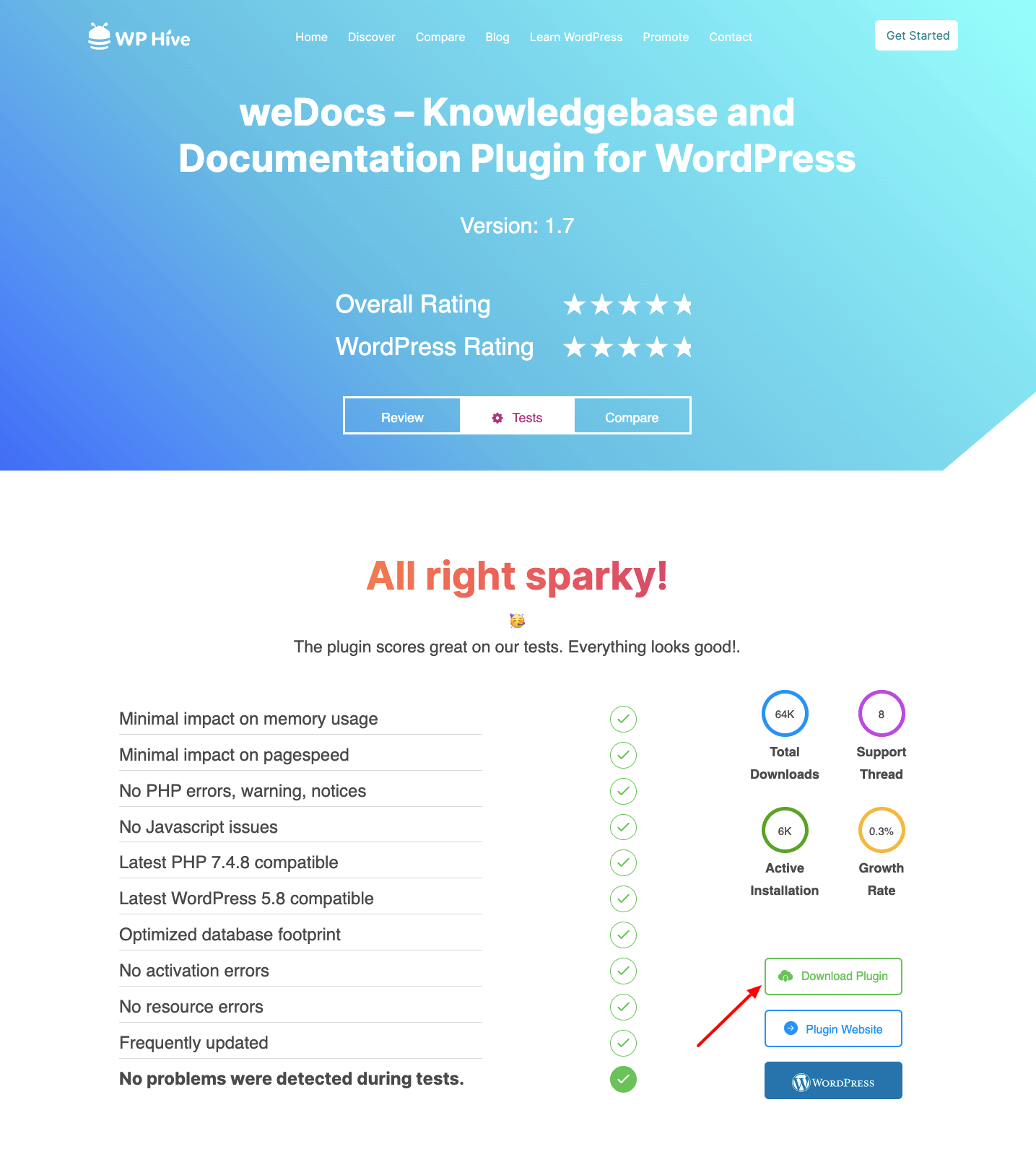
FromWPHIve
Or you can download the plugin from WPHive, a better WordPress repository where you can get a detailed analysis of the WordPress plugin.
Search for weDocs there and download the plugin from there.